Try this
1 of 7
Compress PDF
Make a PDF small enough to email
Merge PDFs, convert images and video, run GST and EMI calculators, and build invoices in the browser. Free core tools, no watermark, no account. Local tools never upload your files. See for yourself
131 tools
Choose a space to filter tools. Everything runs on this device.
Try this
Make a PDF small enough to email
Space saved in the last 7 days
Shrink a file to see your savings here.
Shrink a PDFCounted only on this device and never sent anywhere.
Star a tool to keep it here.
Cut the background out of a photo
Sign a contract without printing it
Shrink a video for WhatsApp
Even out quiet and loud audio
New
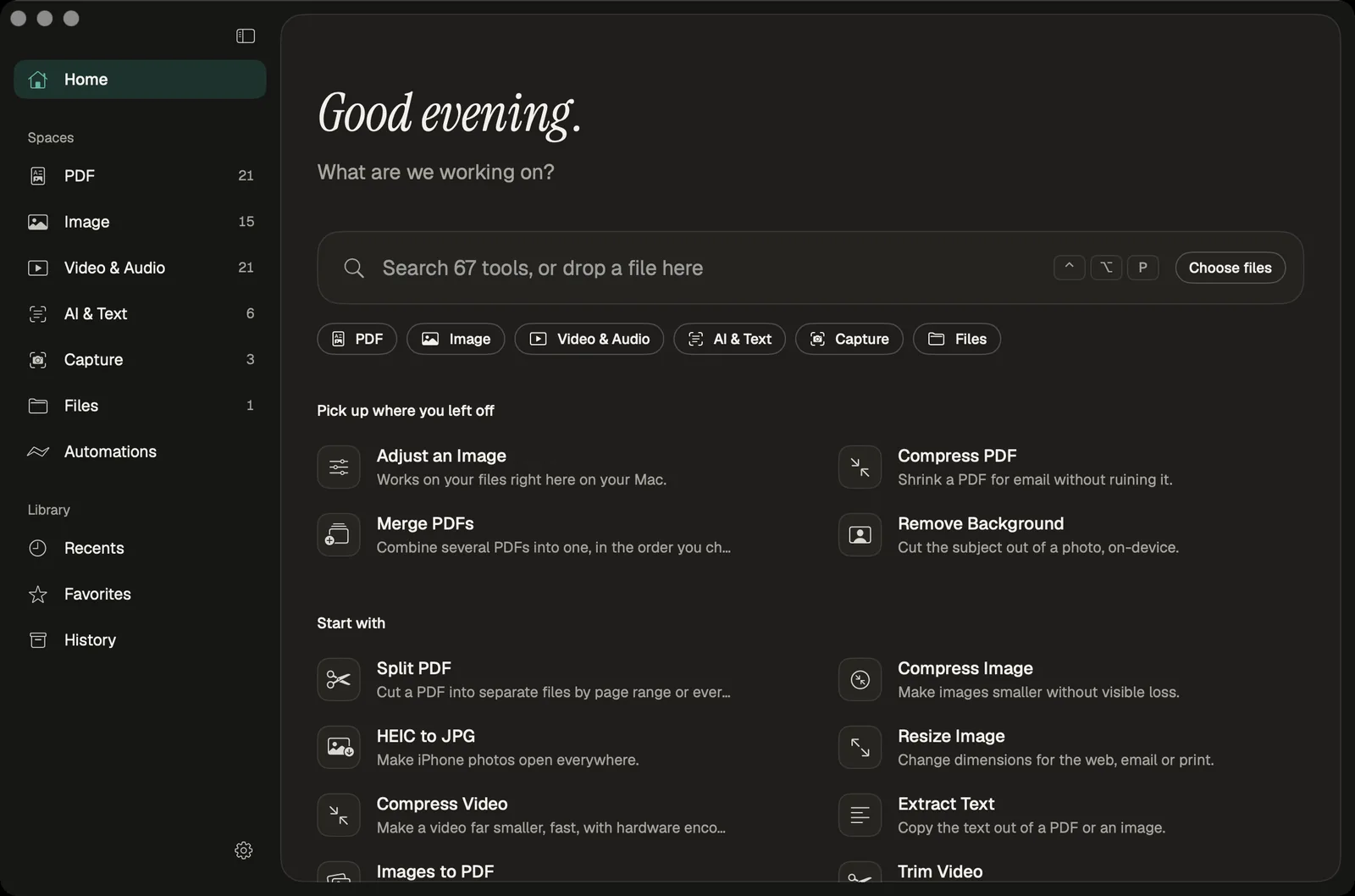
Paperlane for Mac is a free native app for Apple Silicon. Process files offline, use Finder Quick Actions and Shortcuts, automate folders, and connect AI agents locally.
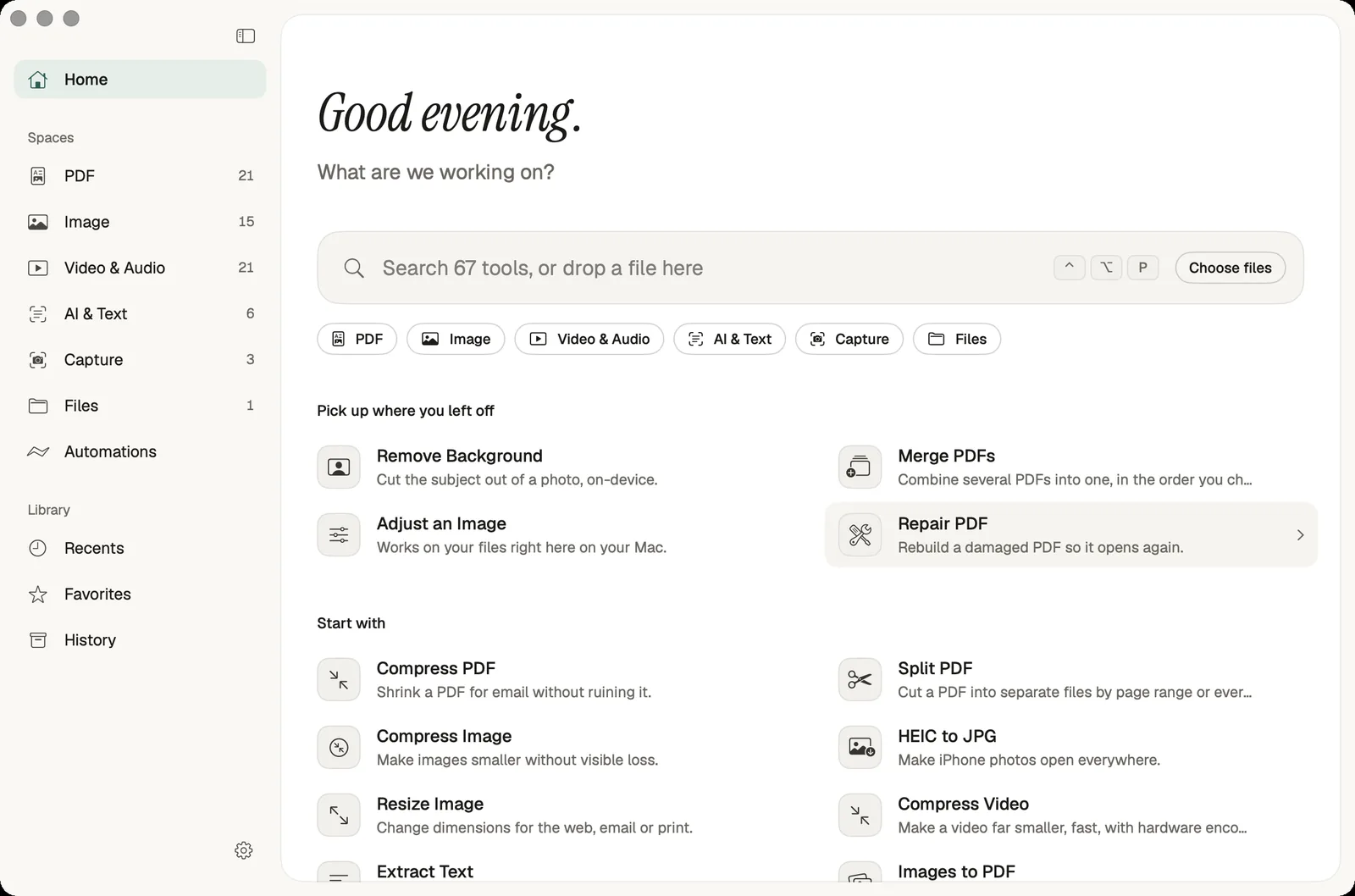
A workflow sends each step’s output to the next compatible tool. Choose your steps, check each option, and run the chain when it fits the job.
Browse recipesLocal PDF, image, video, audio, GST, and calculator tools process entirely in your browser. File bytes and calculator inputs are not uploaded. Some tools download a processing model or asset on first use, which never includes your file.
No. Every tool works without an account, and this build has no sign-in at all. You open a tool, add your file and download the result. There is nothing to register, no email to give and no profile that remembers what you worked on.
Local tools can work offline after their pages, processing code, and required assets have been cached. Load the tool and download any required OCR or video assets before disconnecting. Cloud AI and remote MCP features still need an internet connection.
Yes. The same app merges, splits, compresses, and signs PDFs, and converts images, video, and audio. Each tool page states accepted formats, where processing happens, and honest limitations.
Yes. GST, EMI, SIP, income-tax sketch, salary, and everyday math calculators run in your browser. Nothing is uploaded. Tax tools are illustrative sketches, not government filings.
You enter seller, buyer, and line items. Same-state supplies split GST into CGST and SGST; interstate supplies apply IGST. Totals round to paise. GSTIN checks are format-only. The tool does not register invoices with the government IRP.
No. Core local tools are free, add no product watermark, and download from your device. Future pricing would be disclosed on the pricing page before it changes in the product.
Open your browser developer tools, switch to the Network tab, then run any local tool on a file. You will see no request carrying your file. The /prove page does this check for you and shows what left your device while a conversion runs. Pages and code still load normally.
There is no fixed cap. The practical limit is your device memory, because the work happens locally. Current Chrome, Edge, Firefox and Safari all work. Safari on iPhone and iPad has stricter memory limits, so very large PDFs or videos may fail there and run better on a computer.
Automatic subtitle generation is unavailable. The two peer-to-peer tools, file sharing and the shared whiteboard, are same-device demos that connect browser tabs on one device, not people on other devices. Each tool page states what it does and does not do before you start.
You can choose from 40 interface languages. Ten of them have fully translated tool guides: English, Hindi, Spanish, Brazilian Portuguese, French, German, Italian, Arabic, Japanese and Indonesian. In other languages some guide text may appear in English until it is translated.